The meeting alarm for knowledge workers
Notifications get buried. Slacks get ignored. Meeting Alarm takes over your entire screen when your meeting starts. You will never be late again.
Your desktop is a warzone.
You have 40 Chrome tabs open. Slack is flashing. Figma is rendering. Spotify is playing. When that tiny Outlook reminder pops up in the corner of your screen, you close it without even looking.
Five minutes later, your boss slacks you: "Are you joining?"
Or even worse "Where were you??"
- MISSTiny toast notifications
- MISSSoft chime sounds
- HITFull screen takeover
NEVER MISS ANOTHER IMPORTANT MEETING.
Auto-Sync
Connects securely to Outlook and Google Calendar. No manual entry required. If it's on your calendar, Meeting Alarm knows about it.
Brutal Takeover
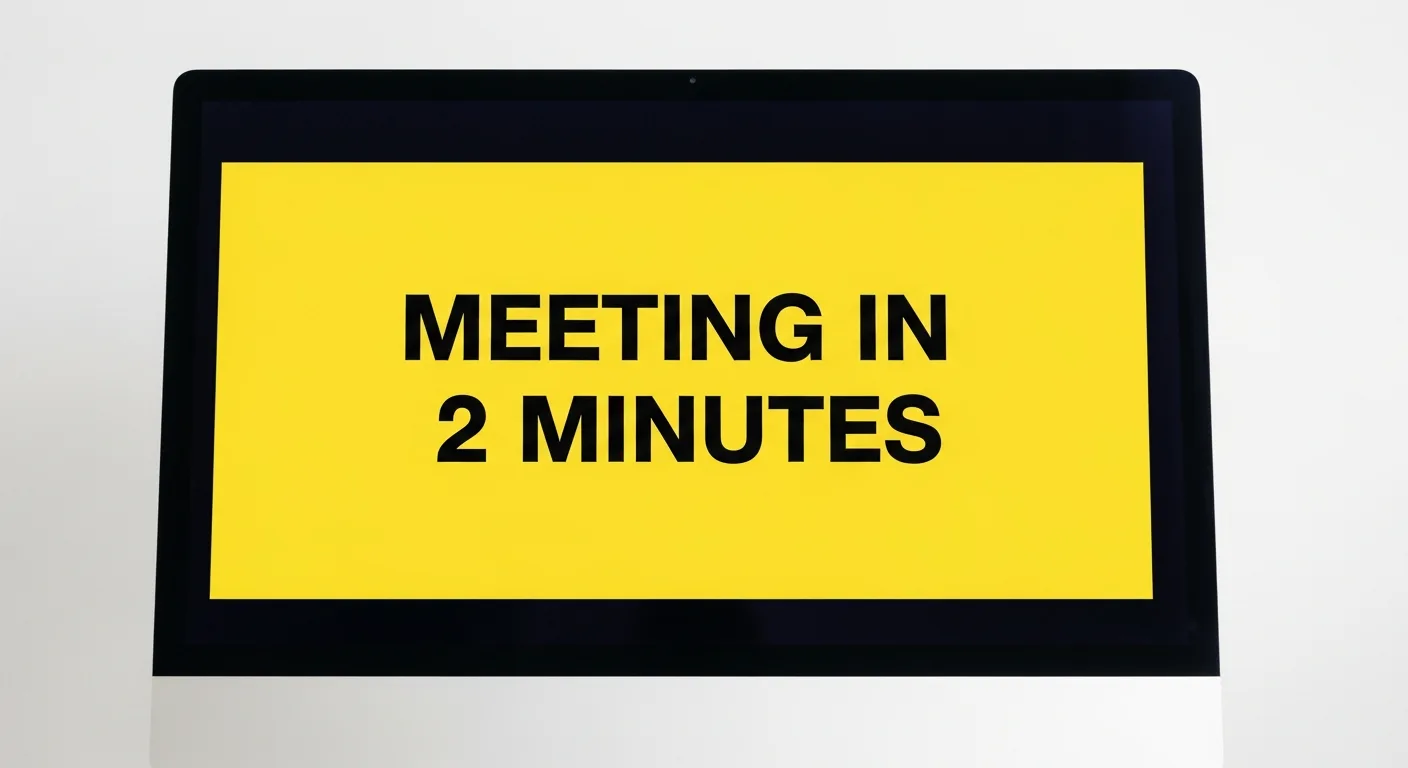
One minute before the meeting, your screen goes black and yellow. You literally cannot do anything else until you acknowledge it.
One-Click Join
The alarm screen contains a giant button that opens your Zoom, Teams, or Meet link instantly. Stop hunting for the link.
Key Features
- Fullscreen takeover alarms (visual alerts) that interrupt whatever you're doing
- Repeating sound alarms, on by default but can be switched off
- Customizable alert timing — set number of minutes before the meeting the alarm should go off
- One-click join for Google Meet and Microsoft Teams
- Runs silently in the background (very light package) and launches automatically with Windows
- Supports multiple calendars, across MS Outlook and Google
- Dismiss per meeting, or for entire recurring series
- Light and dark mode
- Works entirely on your desktop/laptop — full app download (ultra light package taking very little RAM)
- No separate account signup needed — just sync your calendars
- Updates meeting info every 5 minutes, checks for alarms every 30 seconds
Frequently Asked Questions
Does it work on Mac?
No. Meeting Alarm uses low-level Windows APIs to achieve true full-screen takeover. Mac OS sandboxing prevents this level of aggression.
Can I customize the alarm sound?
Yes, but the default sound is specifically engineered to cut through noise-canceling headphones without causing permanent hearing damage.